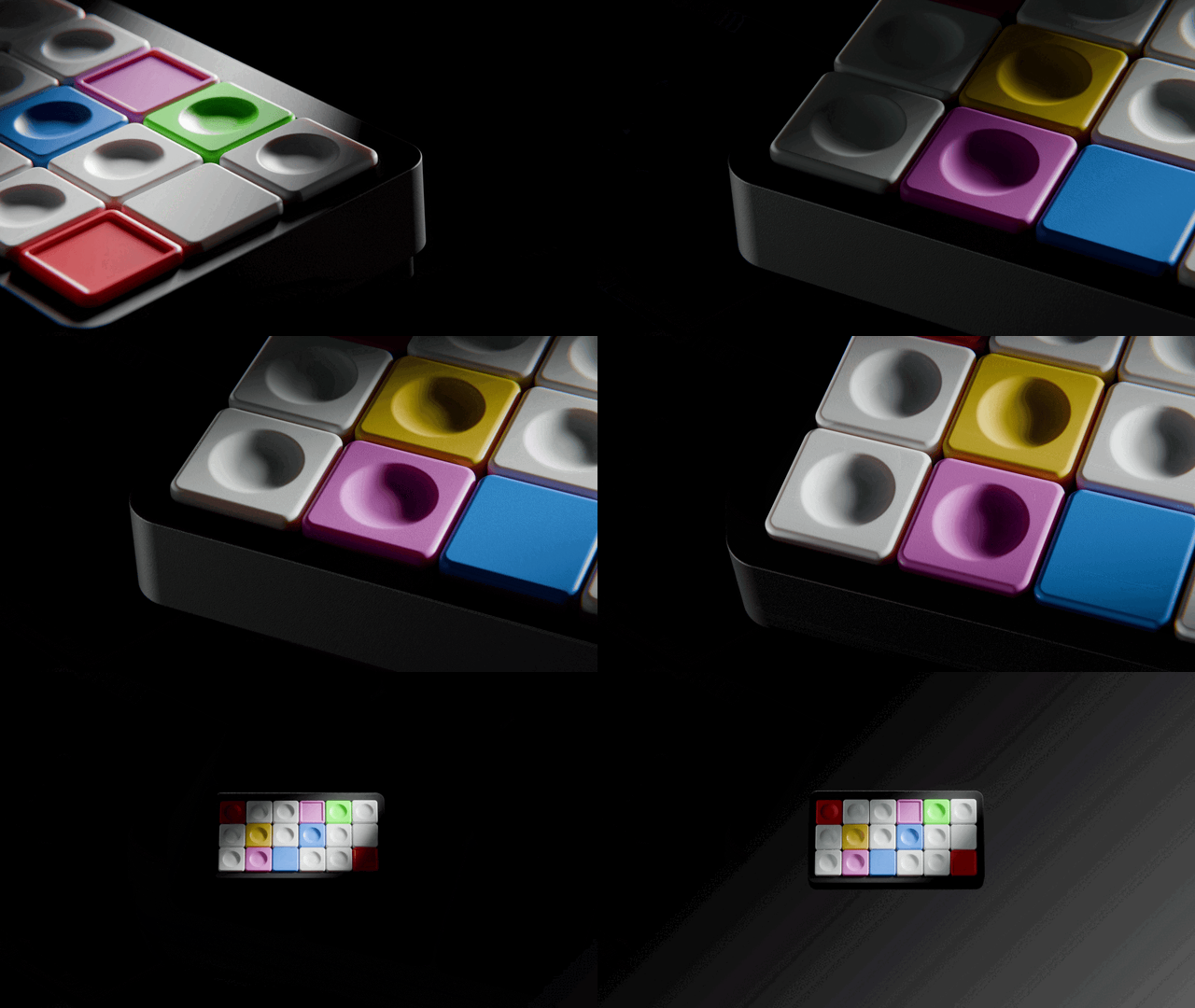
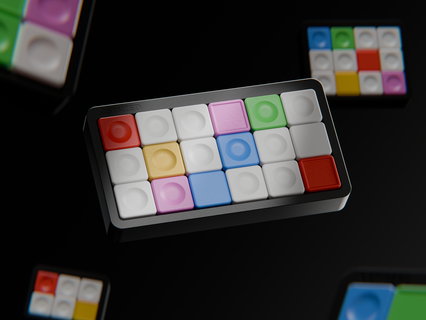
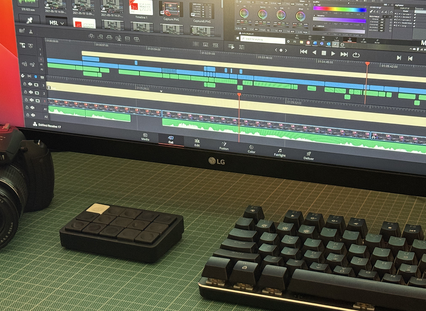
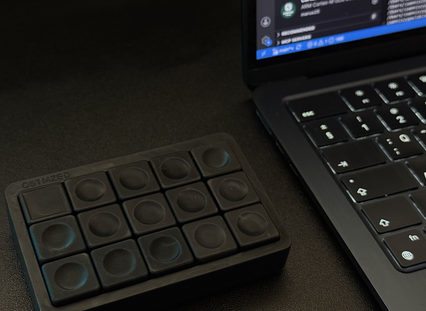
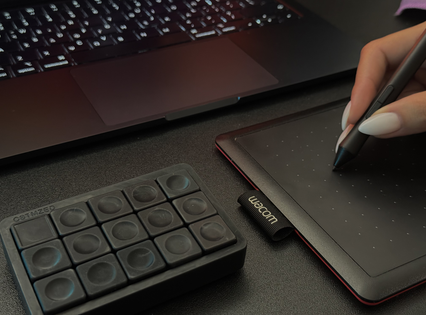

K101: Your Most-Used Shortcuts. Always One Tap Away.
Every shortcut, macro and workflow exactly where you need it. Spend less time searching, switching and repeating and more time creating.
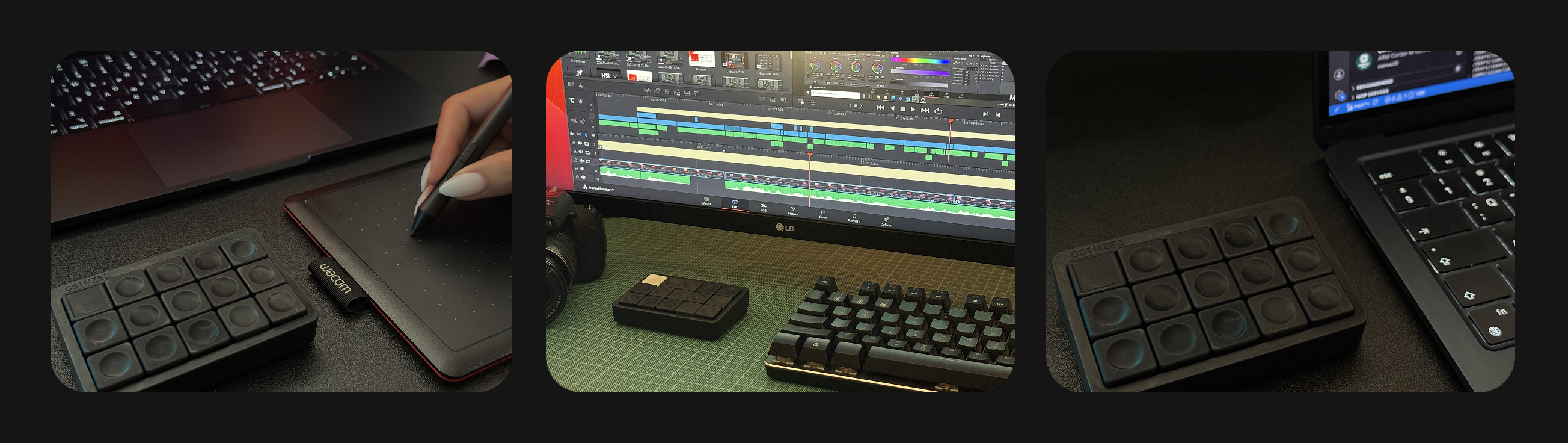
Stop Switching. Stay in the Flow.
Keep your hands where they belong. K101 puts your most used shortcuts, macros and tools one tap away.
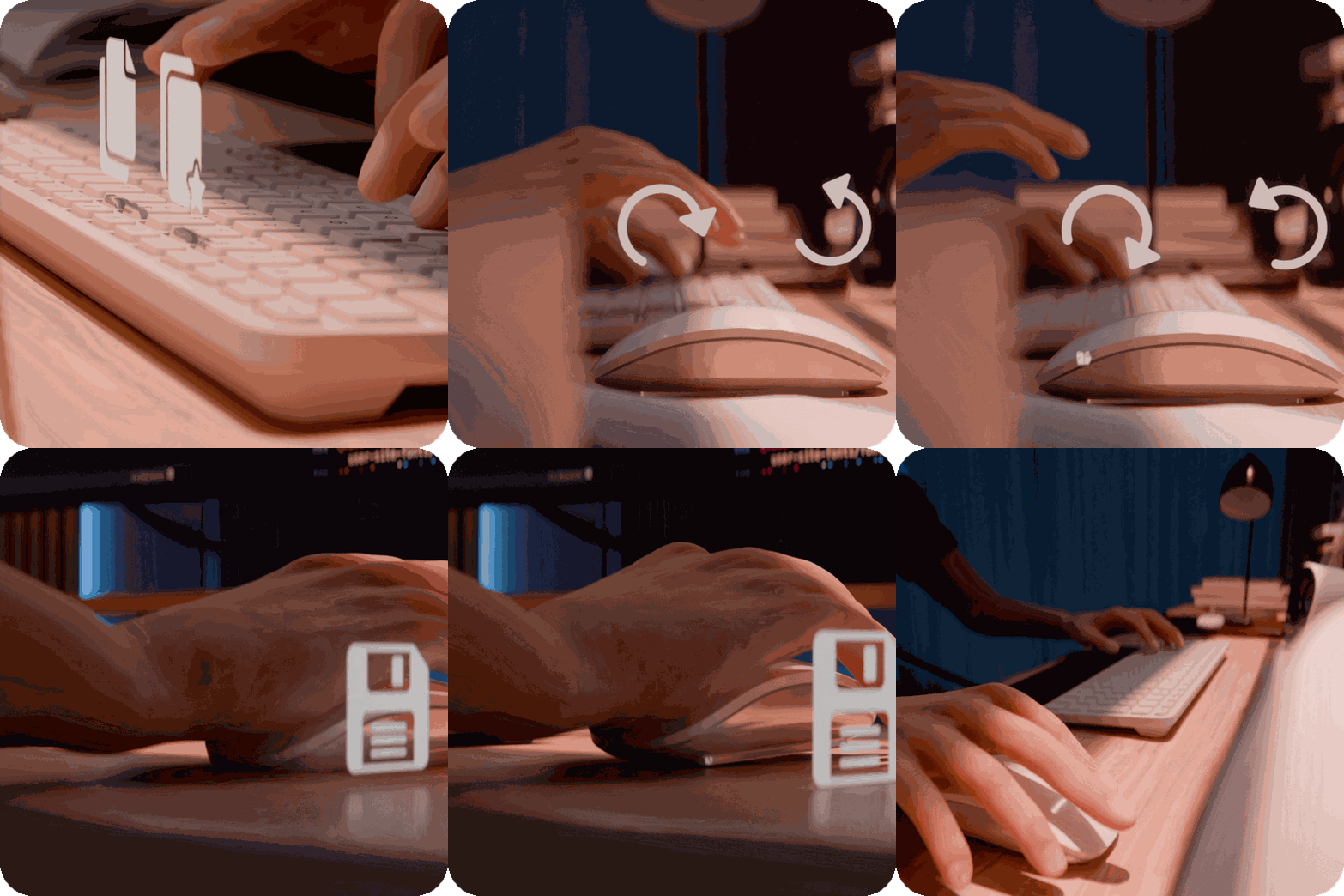
Meet K101.
One Device. Endless Control.
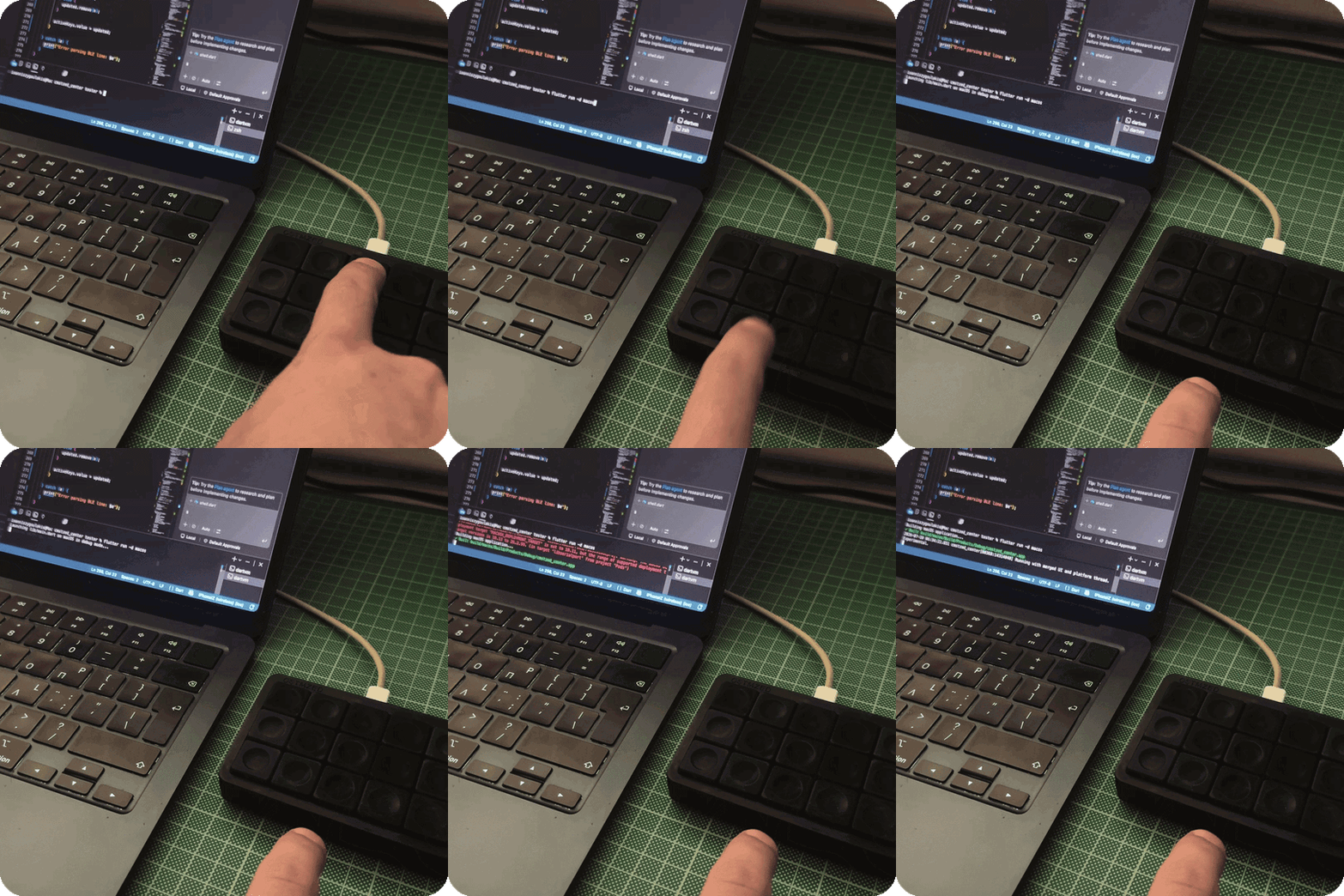
K101 brings your most-used shortcuts, tools and automations within easy reach, so you can spend less time navigating menus and more time creating.
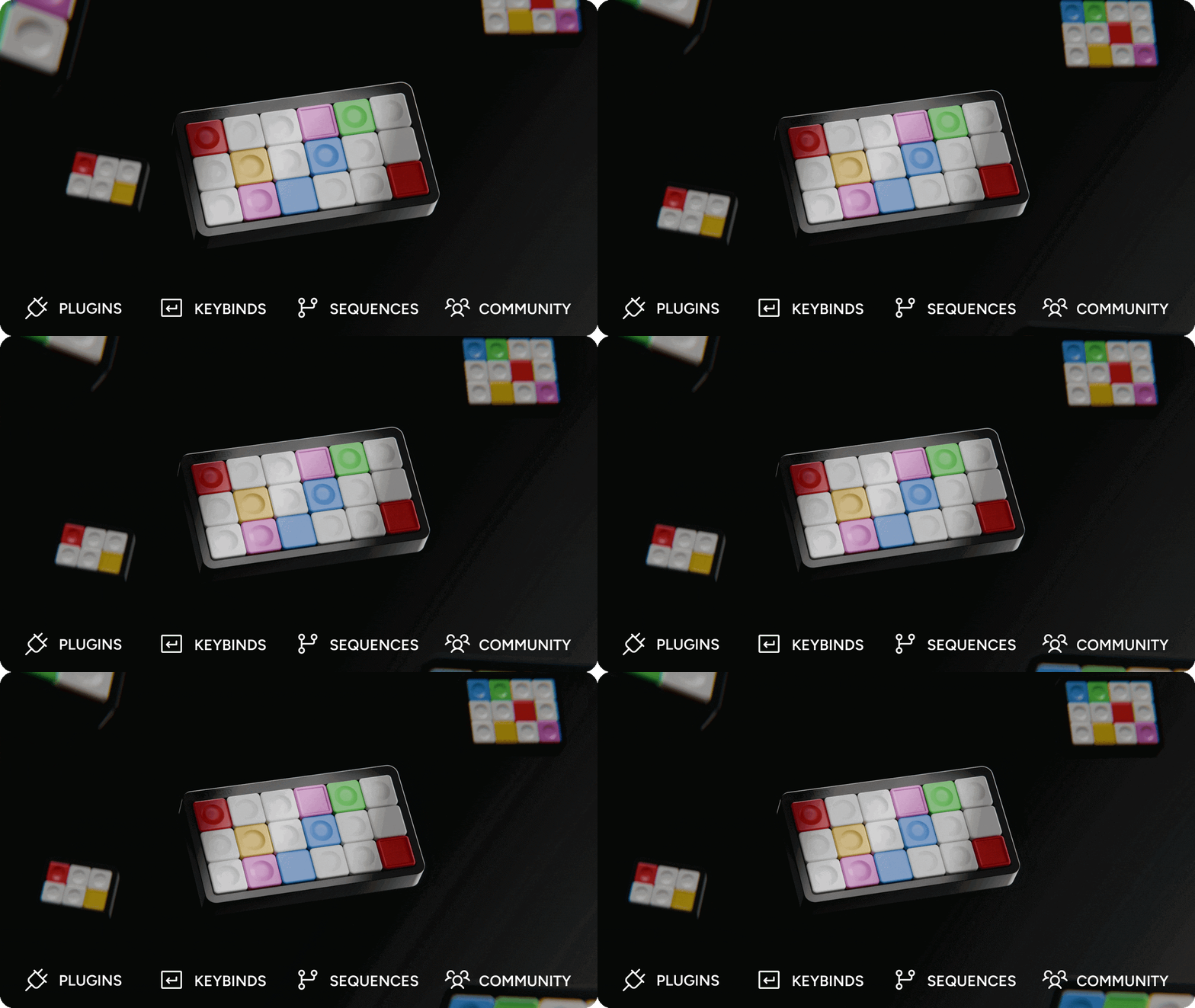
Works Where You Do.
Seamlessly integrates with the tools you already use.
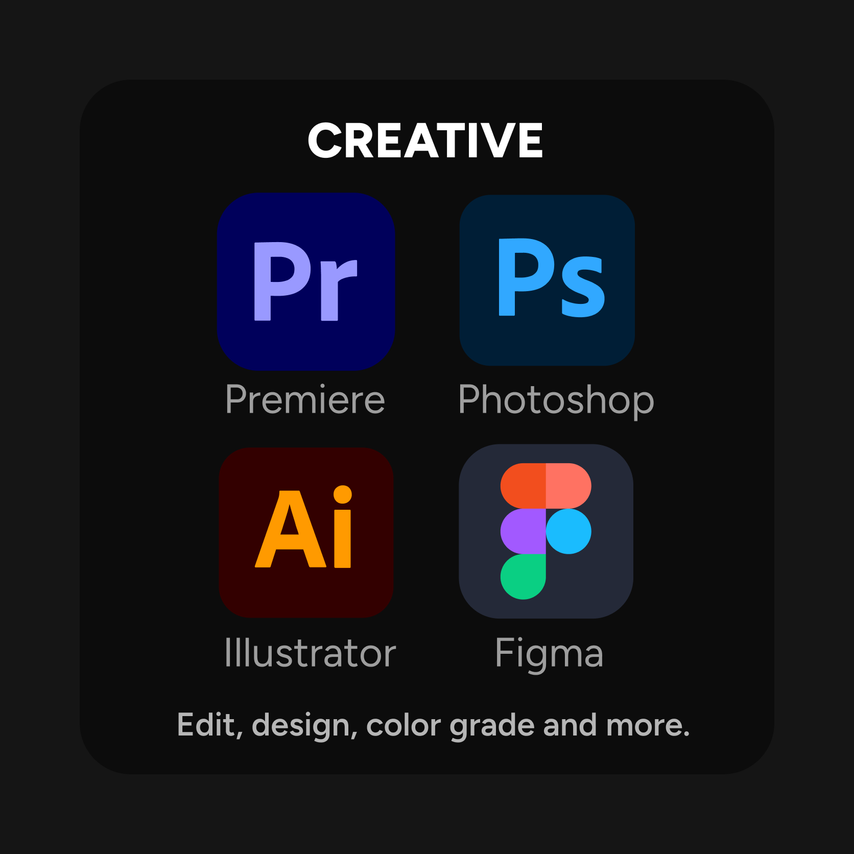
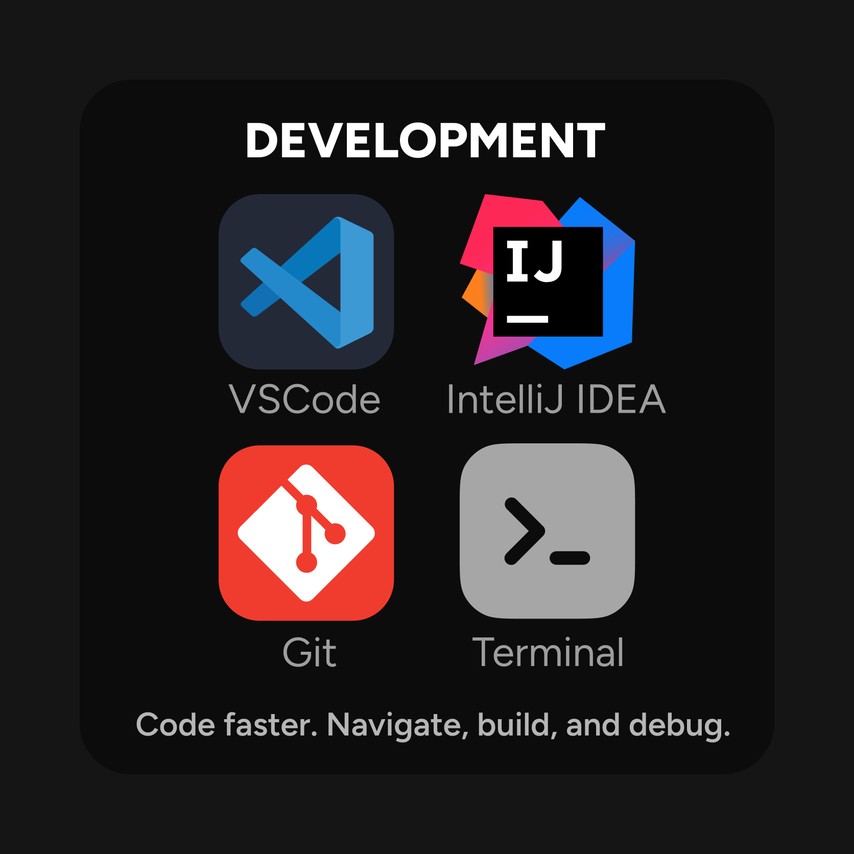
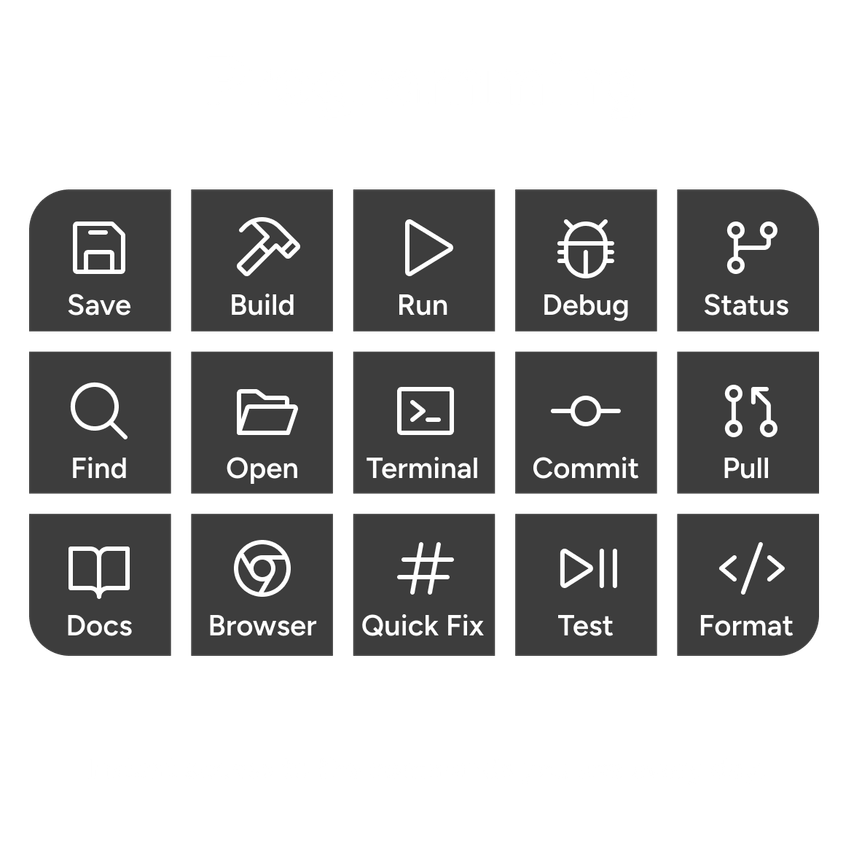
Workflow Examples
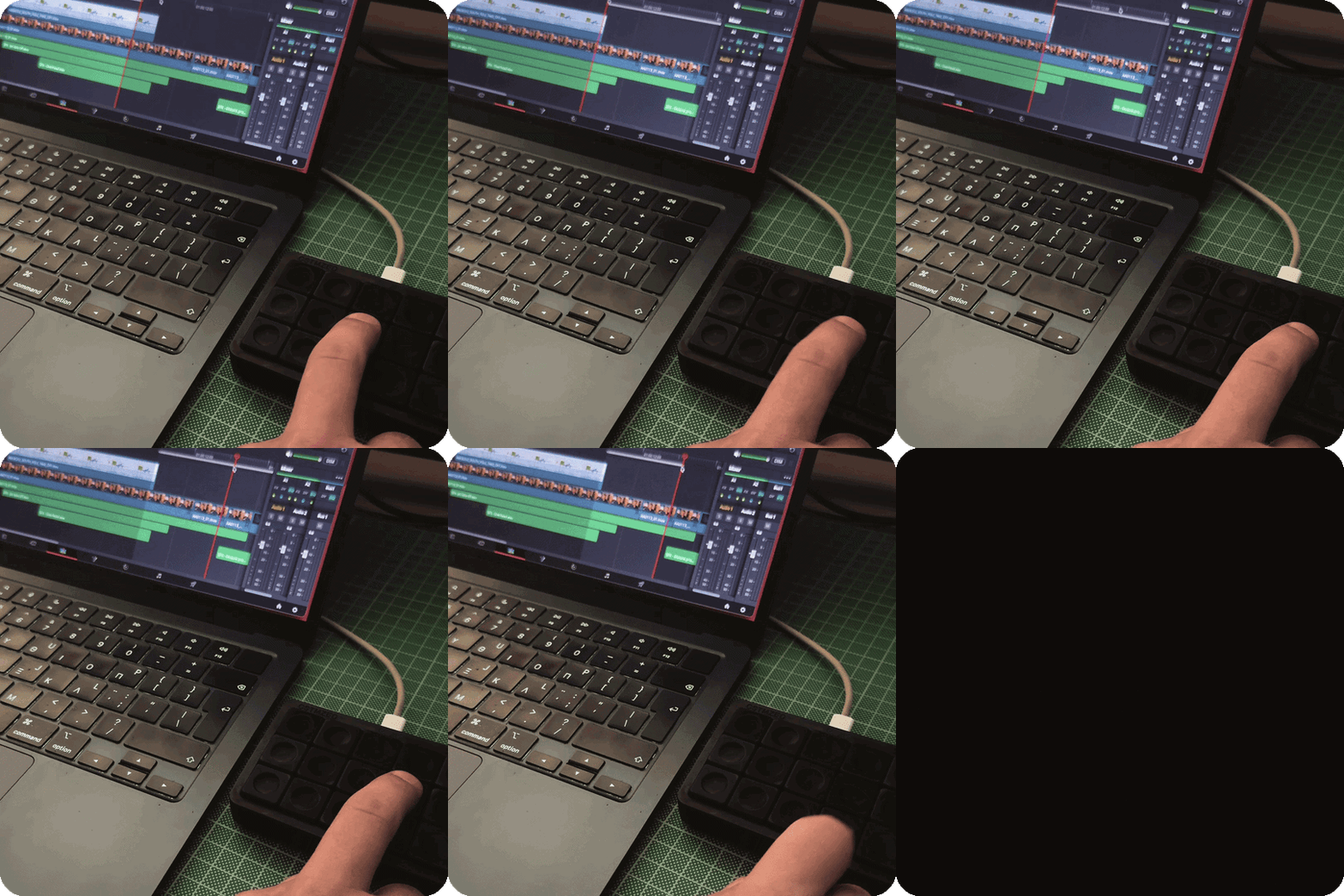
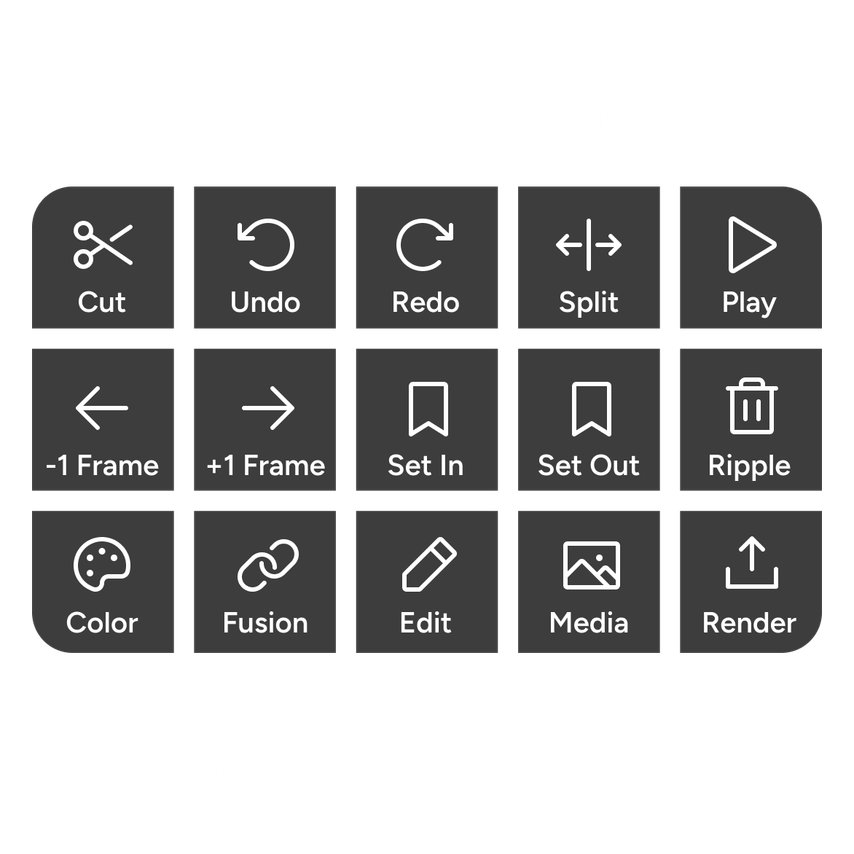
Seamlessly integrates with the tools you already use.

The Software Behind Every Shortcut.
Powerful enough for professionals. Simple enough for everyone.
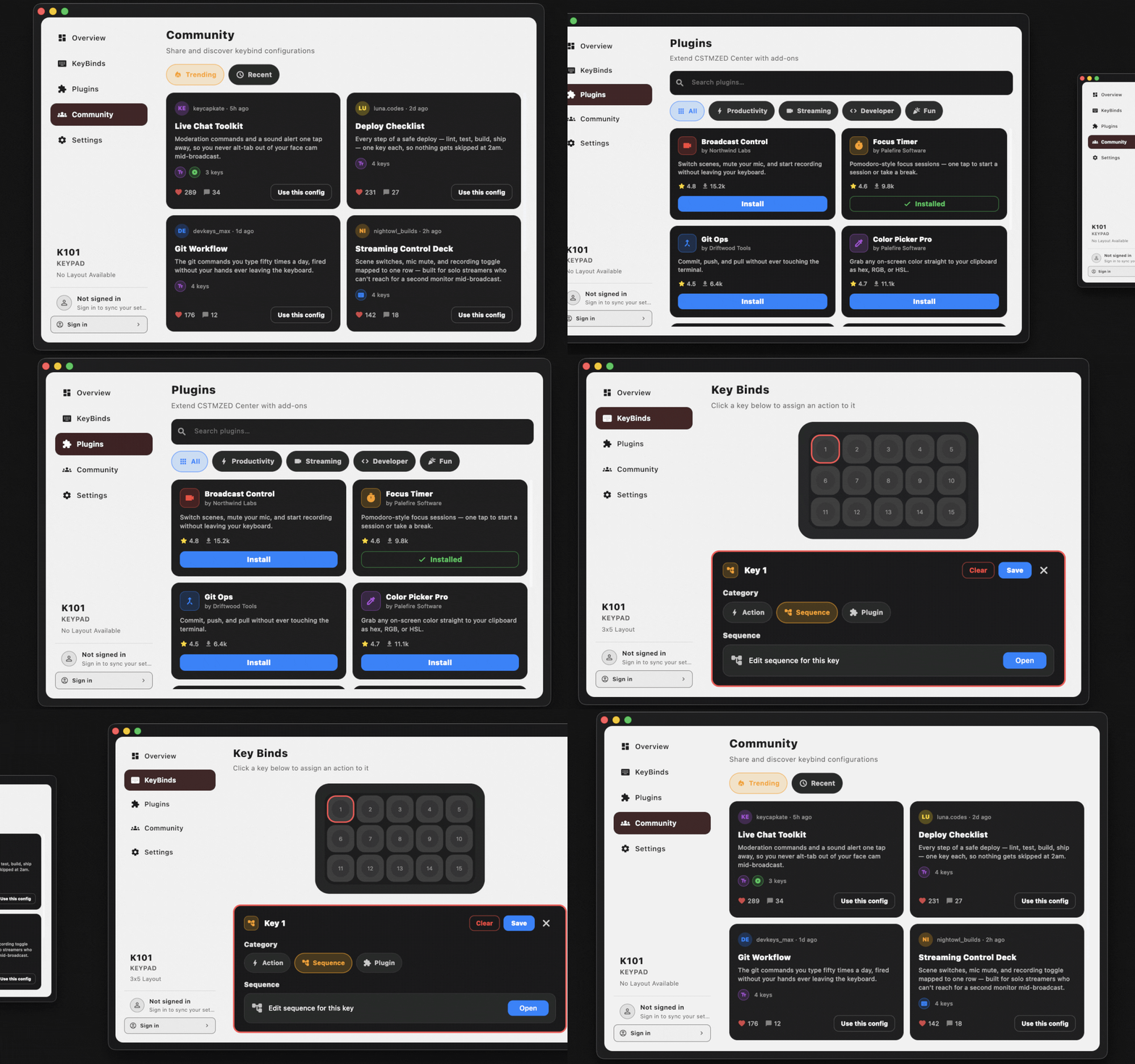
CSTMZED Center lets you assign shortcuts, create powerful workflows and personalize every key to match the way you work.
(Supports macOS, Windows & Linux)

Everything You Need. And More.
Assign keystrokes, text shortcuts, media controls, app launches and custom sequences to any key with CSTMZED Center.
Then expand K101 even further with official and community-built plugins, including AI agents, password managers, timers, color pickers and more.
Discover ready-made profiles from the community or share your own to inspire others.


A Platform That Keeps Growing.
K101 doesn't stop at shortcuts.
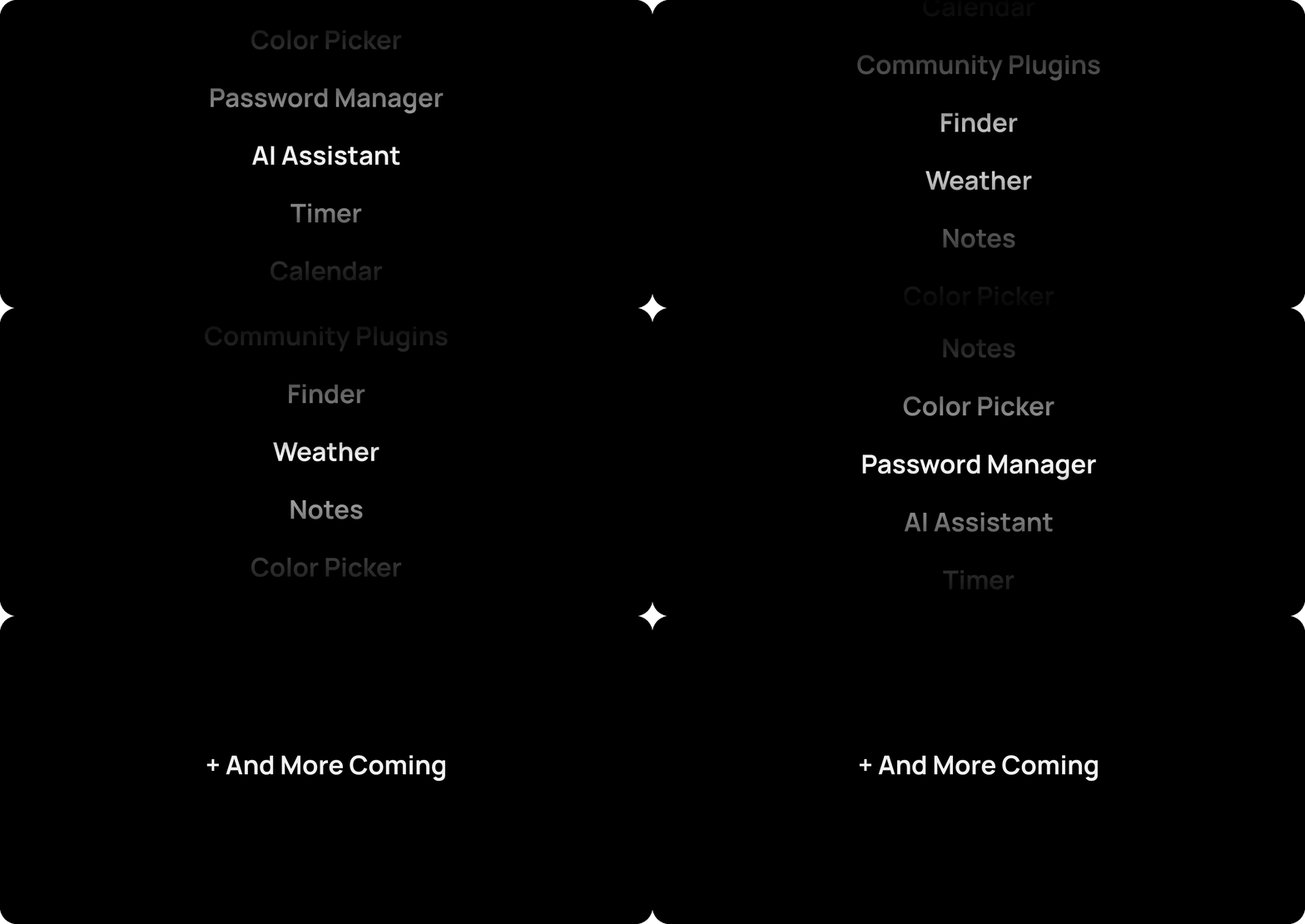
Install official and community-built plugins that bring entirely new capabilities to your keypad. From AI assistants and password managers to timers, color pickers and productivity tools.
With official and community-built plugins, K101 continues to evolve, unlocking new capabilities long after it arrives on your desk.
Build Powerful Workflows.
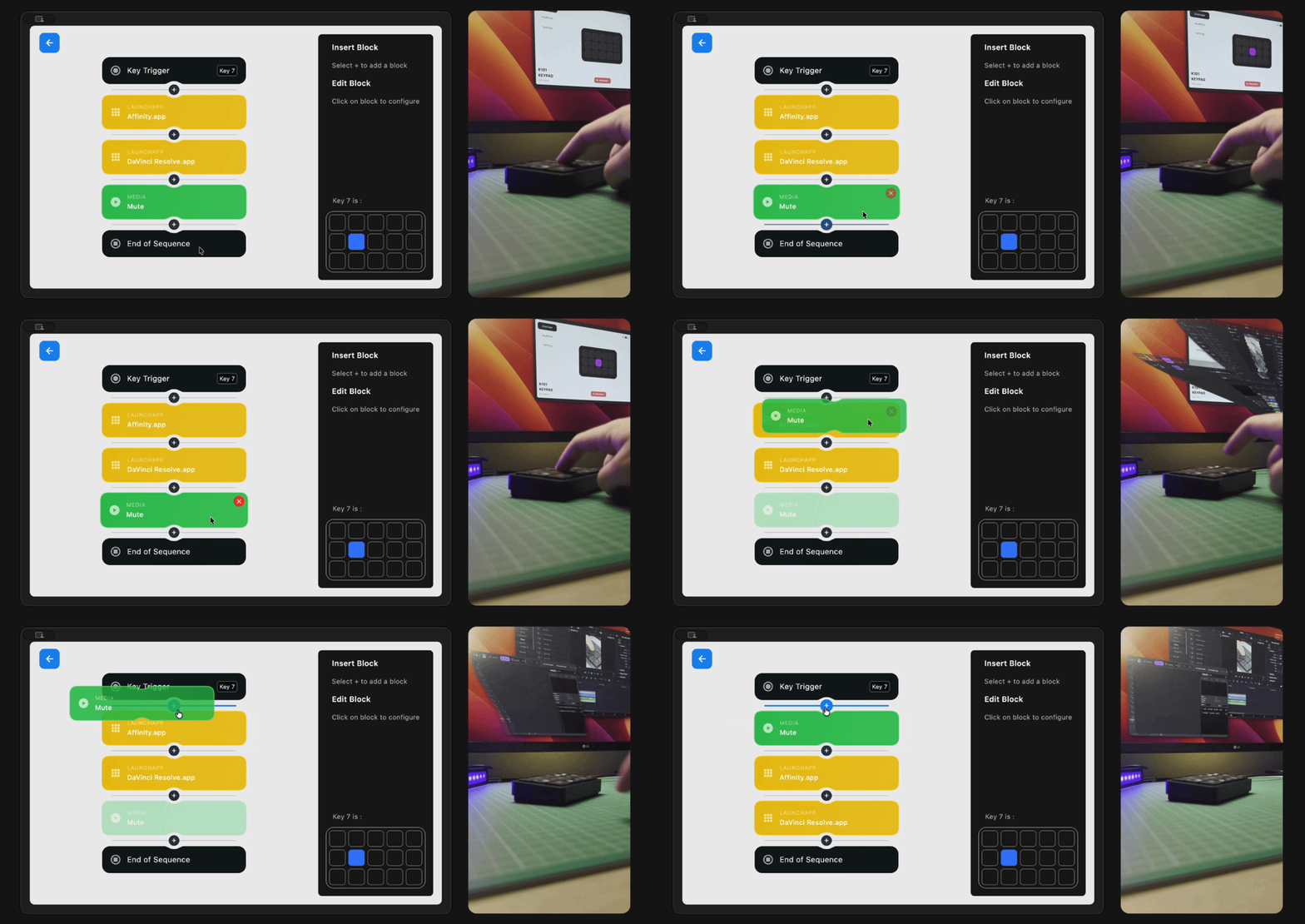
Combine shortcuts, plugins, delays and logic into powerful workflows that automate repetitive tasks and execute with a single key press.


Join Early. Unlock More.
Be among the first to experience K101 and receive lifetime access to community features, plugins and future expansions available exclusively to early supporters.
Choose your Size.
No two workspaces are the same. Choose from four K101 sizes, each designed to offer a different balance of portability, functionality and control.
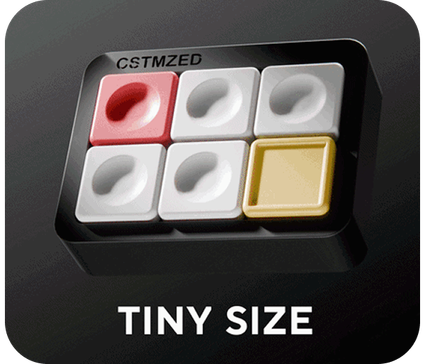
Minimal by Design
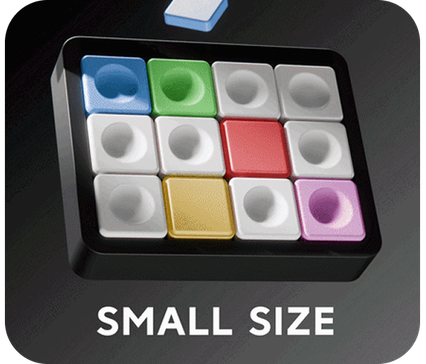
Compact & Capable
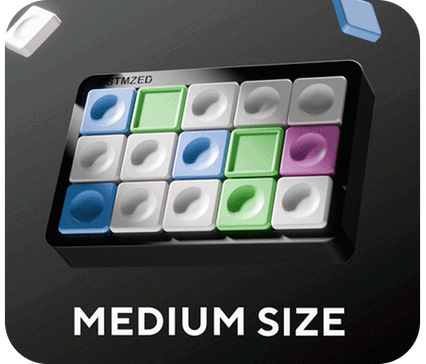
The Sweet Spot
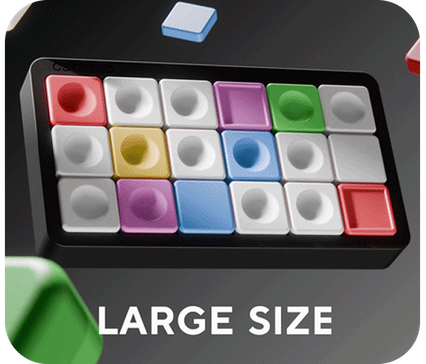
Ultimate Control
Built Around You.
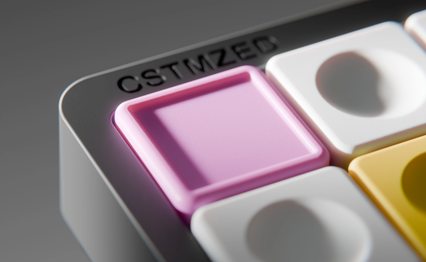
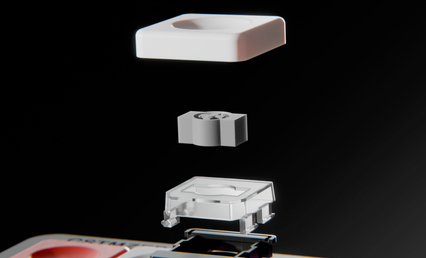
Build a K101 that feels like your own. Choose from four mechanical switch types, five keycap profiles and seven colors to match your workflow, comfort and personal style.

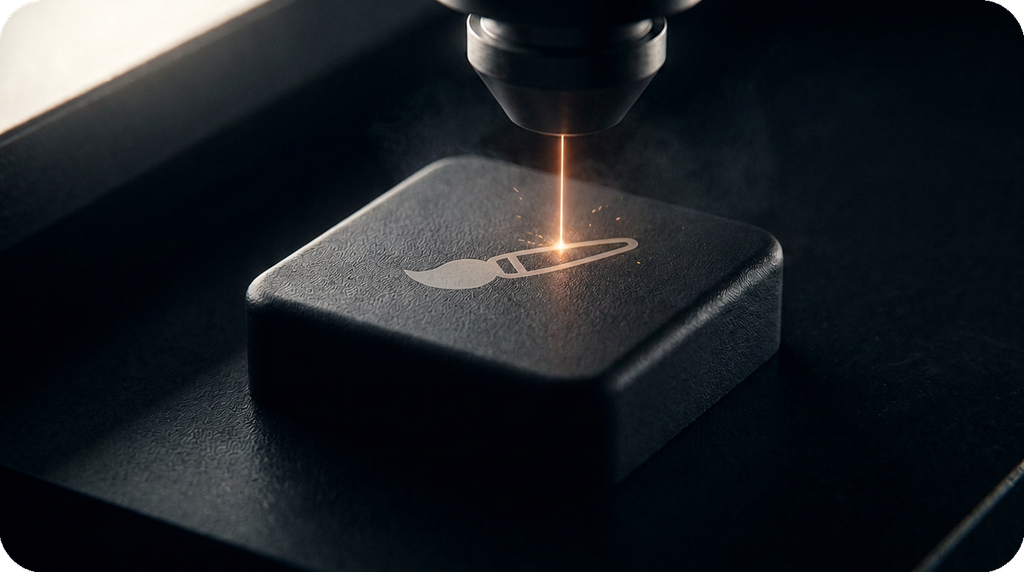
Custom Laser Etched Keycaps.
Turn every key into a reflection of your workflow. Precision laser engraving lets you personalize your keycaps with custom icons, symbols, logos, and more.
Why K101?
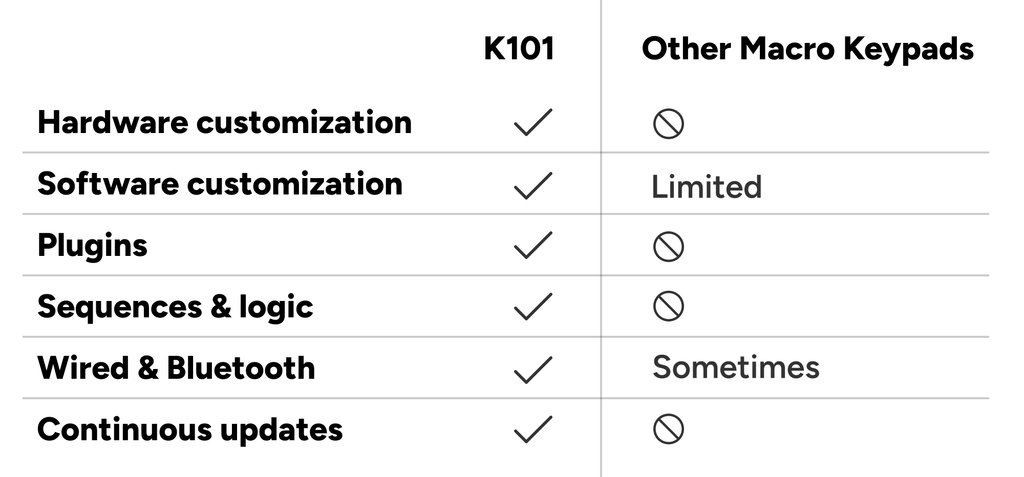
Why settle for a macro keypad that forces you to adapt? K101 combines customizable hardware, powerful software and an expanding ecosystem to fit the way you work—today and in the future.
Built to Perform. Designed to Last.
K101 is designed to improve long after it reaches your desk. CSTMZED Center delivers firmware updates, new features, plugins and community content, while efficient power management and seamless USB-C and Bluetooth connectivity keep your workflow uninterrupted.

Build Your Perfect K101
Every K101 is configured after the campaign, allowing you to choose the size, switches, keycaps and colors that best match your workflow. Join the waitlist today and secure your place before launch.
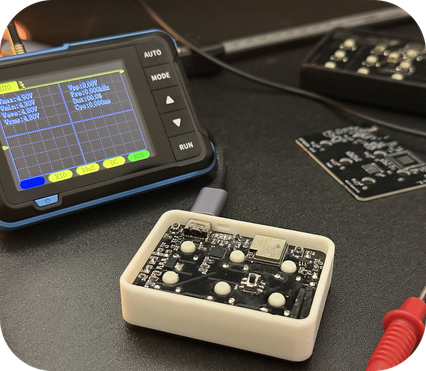
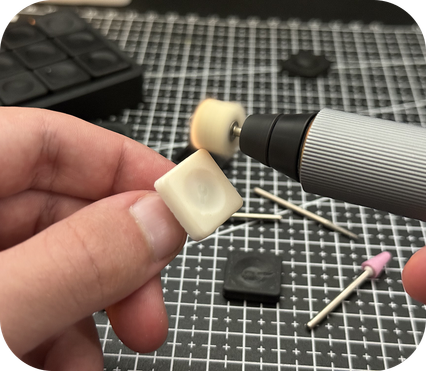
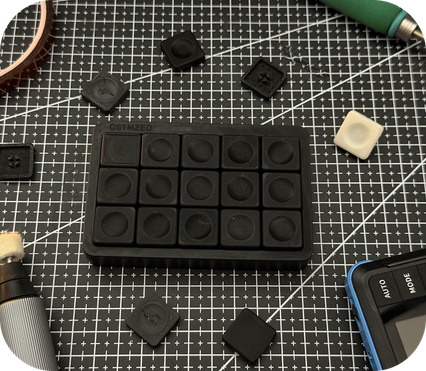
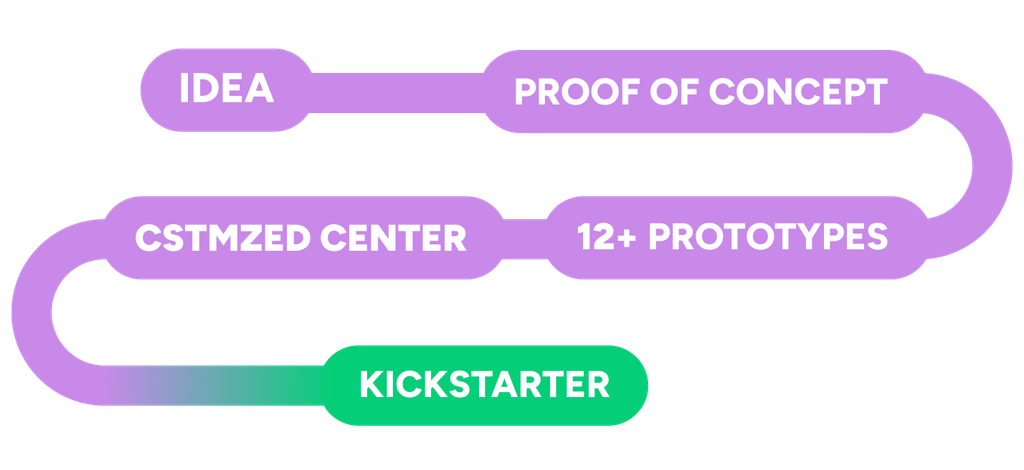
Designed From The Ground Up.
From early concepts to polished prototypes, every detail was carefully refined.
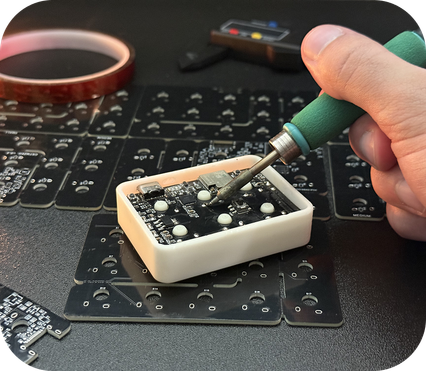
Built From a Frustration.
Every macro keypad I tried made me change the way I worked.
I didn't want another device that forced compromises, I wanted one that adapted to me.So I started designing my own.
What began as a personal side project turned into more than a year of hardware iterations, software development and countless prototypes.
I built K101 because I wanted it on my own desk. Now I'm excited to share it with yours.
Ioannis Zygoulakis
Founder, CSTMZED
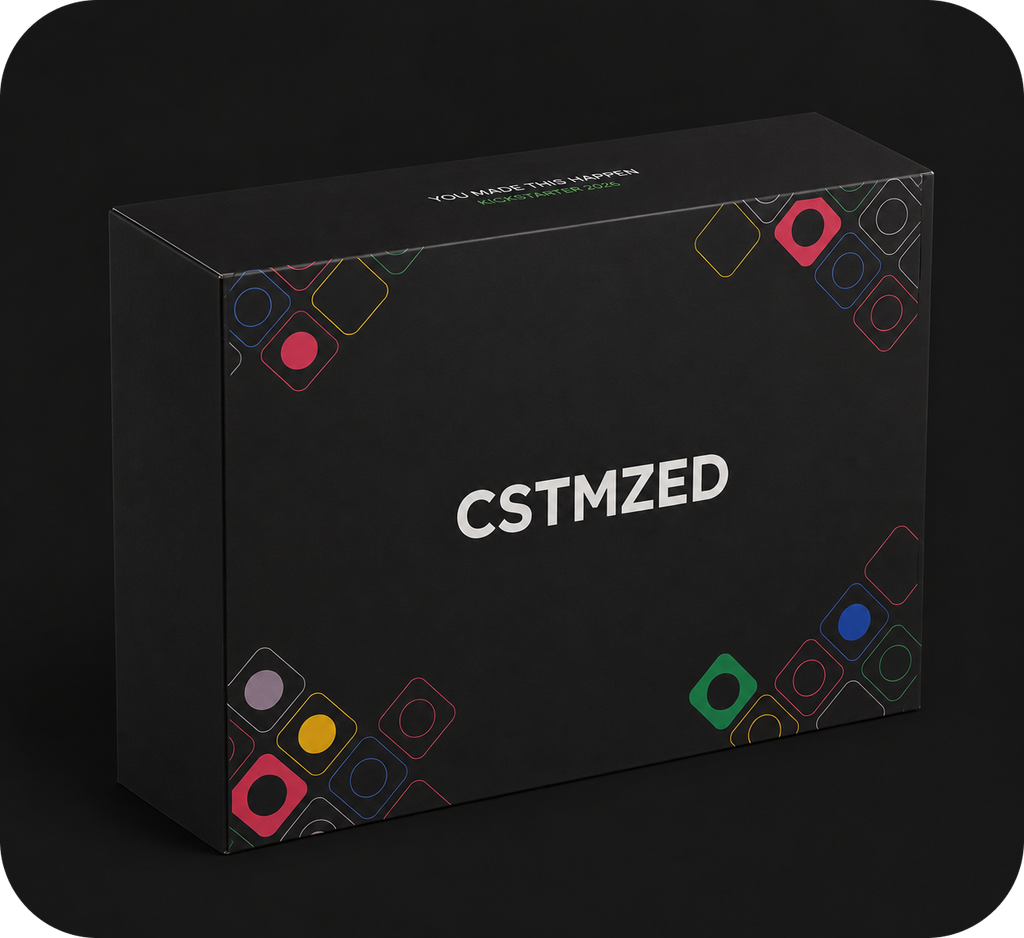
What's In The Box.
1. K101 Macro Keypad
2. USB-C Cable
3. CSTMZED CENTER Lifetime Access Key
4. Quick Start Guide
Don't Miss the Launch
Join the waitlist today to receive launch updates, early supporter rewards, lifetime access to CSTMZED Center, and the opportunity to customize your own K101 before production begins.